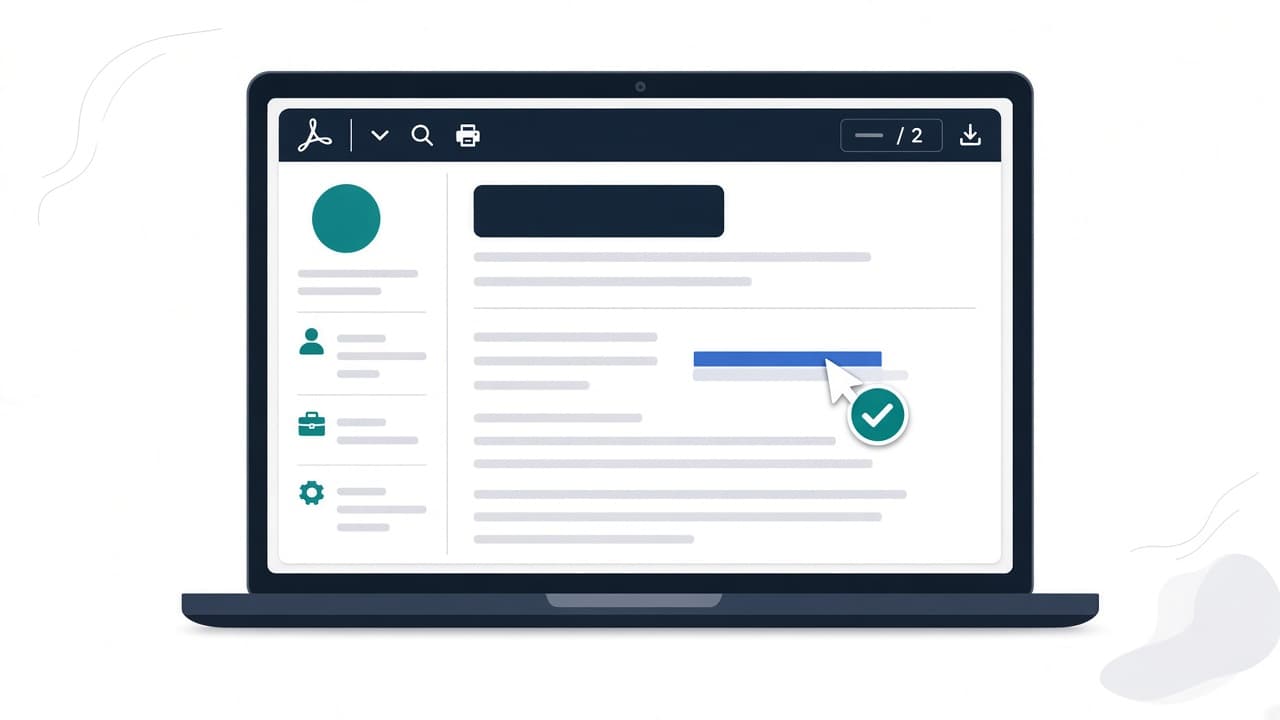
"Should I send a PDF or a Word file?" is one of the most common resume questions, and it's slightly the wrong one. A PDF can be perfectly readable to an applicant tracking system, or completely unreadable. Both versions look identical on your screen.
What matters is what's inside the file. Here's how to check it yourself in a few minutes, with nothing more than your PDF reader and a text editor.
Why some PDFs are invisible to an ATS
A PDF can store a page in two very different ways:
- With a text layer. Every character is real data. You can select it, search it and copy it, and so can software.
- As a picture of text. The page is pixels arranged to look like letters. It reads fine to a human and like a blank page to a parser.
Adobe makes this point directly in its guide to resume formatting mistakes: the file extension isn't what decides whether a resume parses; the real variable is whether a text layer exists.
Image-only PDFs usually come from scanning a printed resume, "printing" to an image, exporting from some design tools, or taking a screenshot and saving it as a PDF. Partial problems are more common: one element, like a text box or a logo with your name in it, gets flattened into an image while the rest of the page stays as text.
Test 1: The highlight test (10 seconds)
Open your PDF and try to select text with your cursor.
- If you can highlight words line by line, there's a text layer.
- If your cursor draws a box around the whole page, or nothing highlights, the page is an image.
Do this for every part of the page, especially your name, contact line and any element that looks "designed." ReadableResume's parsing test found that a text box in Google Docs was exported as a picture, so the candidate's name, phone and email weren't in the text layer at all, even though the rest of the resume was.
Test 2: The search test (10 seconds)
Press Ctrl+F (Cmd+F on Mac) and search for your email address, then a skill from the job description, then the name of your most recent employer.
If the PDF reader can't find a word you can plainly see, an ATS can't find it either.
Test 3: The plain-text paste (2 minutes)
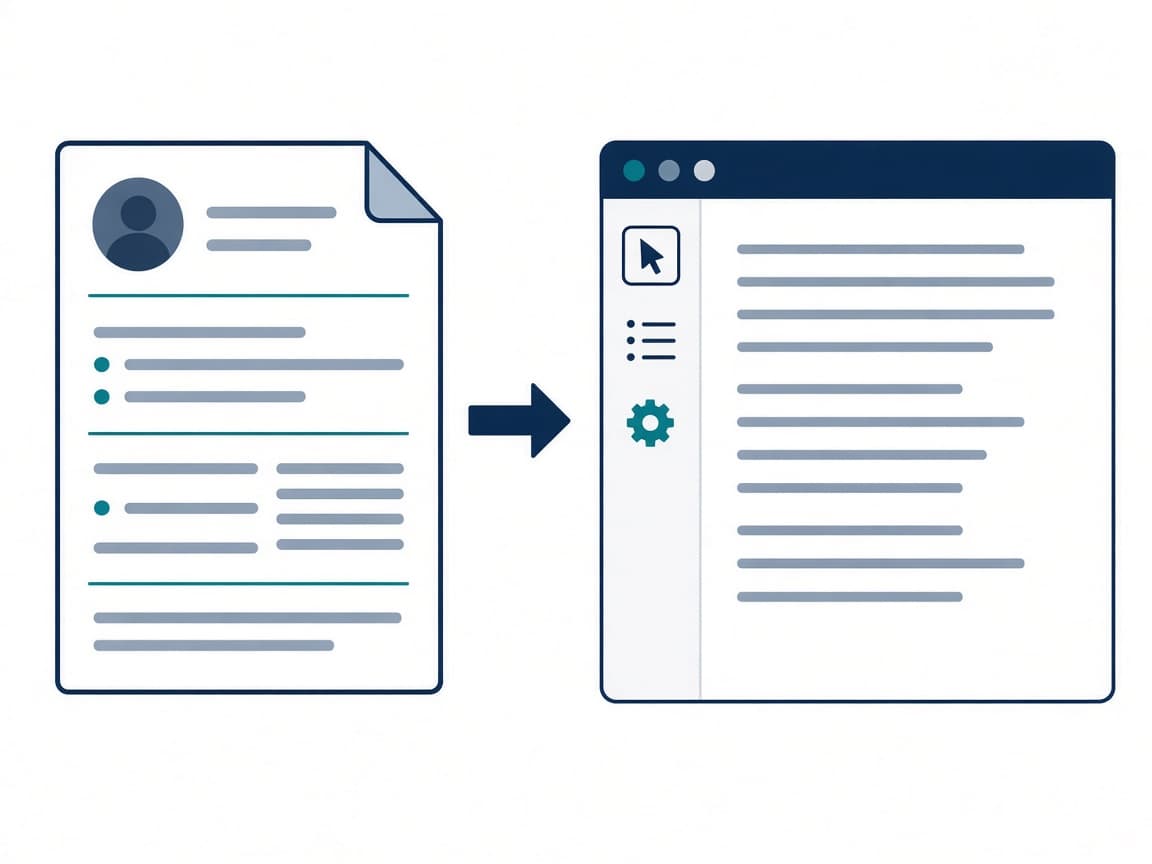
This is the most revealing test, because it shows you roughly what a parser receives.
- Open the PDF.
- Select all (Ctrl+A / Cmd+A) and copy.
- Paste into a plain-text editor like Notepad or TextEdit in plain-text mode.
- Read it from top to bottom.
Look for these problems:
- Missing sections. Anything that didn't paste isn't in the text layer.
- Scrambled order. If skills from a sidebar appear in the middle of a job description, your columns aren't being read the way you expect. ATSPrep's PDF extraction study found two-column layouts had noticeably worse reading order than single-column ones.
- Merged words or odd characters. ReadableResume found that 16 of the 32 fonts it tested stored letter pairs such as "fi" as a single character in a Google Docs PDF export. If "certified" pastes as something strange, try a different font.
- Dates separated from jobs. If a year shows up on its own line where your company name should be, a table or column is wrapping.
Test 4: Run it through an ATS checker (30 seconds)
The manual tests tell you whether text exists. An ATS checker tells you whether that text is structured the way hiring software expects: contact info detected, standard section headings, dates parsed, keywords present.
Upload your PDF to the free ATS Resume Checker. It runs 27 checks covering format, keywords and readability, gives you a score with prioritized fixes, and deletes the file after your session. No signup needed.
How to fix an unreadable PDF
If the whole page is an image
Don't try to fix the PDF. Go back to the source file (Word, Google Docs, or a resume builder) and export again using File > Save as / Download > PDF, not "Print to image" or a screenshot. If you only have a scanned copy, retype it, or start fresh with an ATS-safe template.
If one element is missing
It's almost always a text box, shape, WordArt or image. Replace it with normal text in the body of the document.
If the order is scrambled
Move to a single-column layout, or at least get your contact info and work history out of any sidebar. Put each job's dates on the same line as the job title.
If characters are garbled
Switch to a common, well-supported font and re-export. Then repeat the paste test.
PDF or DOCX: which should you send?
Follow the application's instructions first. If a portal asks for .docx, send .docx. Otherwise, a text-based PDF is a solid default. Adobe cites its own survey finding that three in four hiring professionals prefer a PDF once a human is reading it.
Whichever you send, run the same checks. A Word file has its own pitfalls, such as contact details stored in the document header, which some parsers skip.
A pre-apply checklist
- Every part of the page highlights as text
- Ctrl+F finds your email, employer and key skills
- The plain-text paste reads in a sensible top-to-bottom order
- Contact details are in the body, not a header, footer or text box
- ATS scan shows no critical format issues
- Keywords from the job post are present (check with the JD Keyword Finder)
Frequently asked questions
Are PDF resumes ATS friendly?
Text-based PDFs generally are. Image-based PDFs aren't. Use the highlight test to tell which one you have.
How can I tell if my PDF has a text layer?
Try to select individual words. If you can highlight them and Ctrl+F finds them, the text layer exists.
Why does my resume look fine but fail an ATS scan?
Appearance and data are different things. Text boxes, images, columns and some fonts can look perfect on screen while producing missing or scrambled text underneath.
Does Canva or Google Docs produce ATS-readable PDFs?
They can, but certain elements may export as images. Always run the highlight and paste tests on the exported file rather than trusting the editor view.
Is it better to send a Word document instead?
Only if the employer asks for one. A clean, text-based PDF is readable by most systems and keeps your formatting intact for human reviewers.
Bottom line
You don't need special software to know whether your PDF is readable. Highlight it, search it, paste it into a text editor, then confirm with a free ATS scan. If all four look clean, your file isn't what's holding you back, and you can spend your energy on tailoring the content instead.