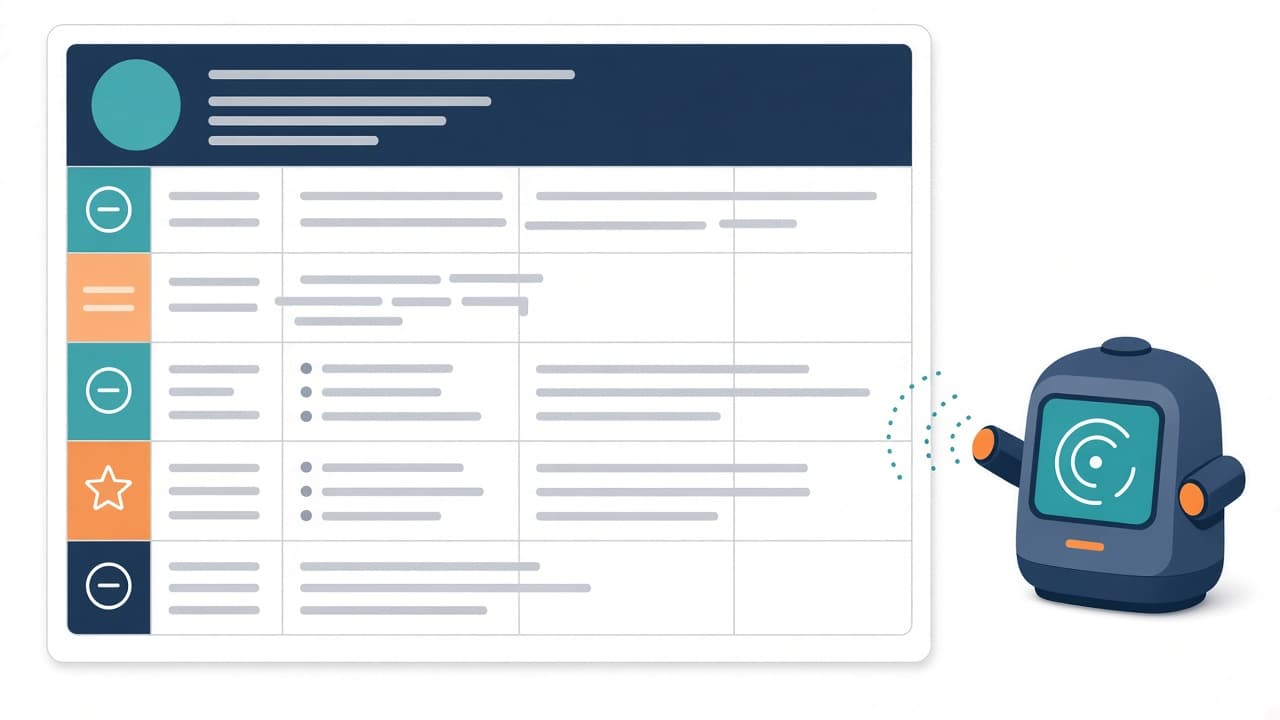
Search "can ATS read tables" and you'll get two camps. One says tables are an instant rejection. The other says modern ATS handles them fine. Both are oversimplifying.
The more useful question is: what exactly happens to the text inside a table when a parser pulls it out? Once you understand that, you can decide which layout choices are worth the risk and which aren't.
The short answer
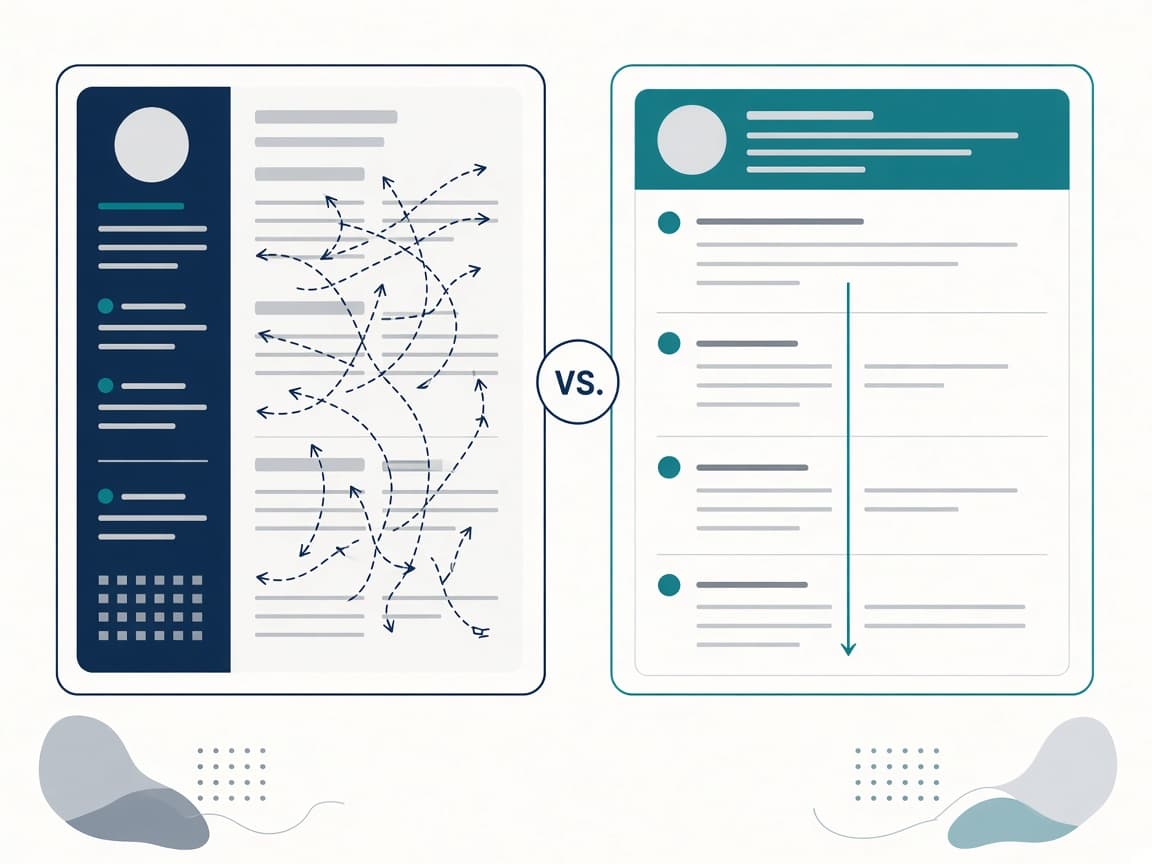
An ATS can usually extract the words inside a table. What it often loses is the order and the relationship between pieces of text: which date belongs to which job, which skill line ended where. Tables that keep related information on the same line are low risk. Tables (and columns) that put unrelated content side by side are where things go wrong.
What parsing tests actually found
A few independent tests in the last couple of years have measured this directly instead of guessing.
Words survive, order doesn't always
ATSPrep generated 108 resume PDFs to see what breaks text extraction. Table grids still recovered almost all of the words, but in their test 24.1% of lines were "welded" together with neighboring text, and reading-order fidelity dropped compared with a single-column control. Two-column layouts did worse on both measures.
Their key insight: when a table row fuses, you tend to get something like "2022 – Present Senior Backend Engineer, Northwind Systems." Clumsy, but the date and job still belong together. When a sidebar fuses, your phone number can land in the middle of a bullet about Kubernetes.
Narrow cells are the real danger
ReadableResume's parsing test found that putting dates in a table column cost nothing when the column was wide enough. When they made the same column too narrow, the dates wrapped onto a second line, and for every job the parser read the year as the company name. Field accuracy fell from 46 of 46 to 34 of 46.
The same test found both two-column versions lost a few fields, not because the columns got mixed but because lines wrapped in the narrower column.
Some parsers can't see the table at all
TruePositive explains in its resume hazards guide that in a PDF, table borders are drawn graphics, not structure. A text-only extractor never "sees" the table; it just sees text that happens to be spaced out. Dates and roles can arrive as separate runs with nothing linking them.
Which table uses are safe, risky or worth avoiding
| Layout choice | Risk | Why |
|---|---|---|
| Single column, no tables | Lowest | Text is stored in the order you read it |
| Table that puts the date and job title on the same row, wide cells | Low | Related info stays together even if lines fuse |
| Skills listed in a 2–3 column table | Moderate | Skills may merge into run-on strings, but keywords usually survive |
| Narrow date column on the left | High | Dates wrap; years get read as company names |
| Full-height sidebar with contact info and skills | High | Sidebar text interleaves with work history |
| Text boxes or shapes holding content | Highest | Some exports turn them into images with no text at all |
How to keep the look without the risk
You don't have to give up a clean, structured design. You just have to build it differently.
Put dates on the job title line
Instead of a left date column, write:
Senior Backend Engineer, Northwind Systems — Jan 2022 – Present
Use a right-aligned tab stop if you want the dates flush right. It looks almost the same as a table and parses as one line of text. TruePositive recommends exactly this.
Turn the sidebar into a section
Move skills, certifications and languages from the sidebar into normal sections below your experience (or above it, if skills are your main selling point). Use standard headings like "Skills" and "Certifications."
List skills with separators
"Python · SQL · AWS · Airflow · dbt" in one paragraph is safer than a three-column grid, and a recruiter can scan it just as easily.
Never put contact details in a table cell or column
Your name, email and phone should be plain text at the very top of the body. If anything gets scrambled, it should never be the one thing the recruiter needs to call you.
When a two-column resume is still a reasonable choice
If you're applying by email or handing a printed copy to someone at an event, no parser is involved and design matters more. Keep a designed version for humans and an ATS-safe version for portals. ATS Resume OS's Resume Versions tool is built for keeping track of exactly that kind of split.
How to test your own resume in five minutes
- Copy-paste test. Open your PDF, select all, copy, and paste into a plain-text editor. Read it top to bottom. Is each job title next to its dates? Did skills get spliced into bullet points?
- Narrow the window. If a date wraps when you shrink a cell slightly, it's too close to the edge.
- Run an ATS scan. Upload to the free ATS Resume Checker. Format and readability are part of its 27 checks, and you'll see prioritized fixes.
- Match against the job. After the layout is clean, paste the job post into the JD Matcher to make sure the keywords you care about are actually readable.
Frequently asked questions
Will a table get my resume automatically rejected?
Rarely. Adobe's article on resume formatting mistakes notes that ATS rarely rejects anyone automatically. The real risk is a messy parse: wrong job titles, missing dates or merged skills that make your record harder to find and read.
Are two-column resumes ATS friendly?
They're riskier than single-column resumes. Tests show the words usually survive, but reading order and line wrapping suffer. If you use two columns, keep contact details and work history out of the narrow column.
Can ATS read tables in a Word document?
Word stores tables as real table structures, which many parsers handle better than PDF tables. Still, wrapped cells and nested tables cause problems, and the employer may convert your file anyway.
Is it fine to use a table just for my skills section?
It's moderate risk. Keywords usually survive, but they may merge into one long string. A simple comma- or dot-separated list is safer and just as readable.
What's the safest resume layout for ATS?
A single column, standard section headings, dates on the same line as the job title and contact info as plain text at the top of the body.
Bottom line
Tables aren't banned. They're just a way to accidentally separate things that need to stay together. Keep related information on the same line, keep contact details out of cells and columns, and check the plain-text output before you apply. If the copy-paste version reads cleanly, an ATS will most likely read it cleanly too.